Page Transition

Animated transitions between pages, built on view transitions, for Next.js, React Router and TanStack Router.

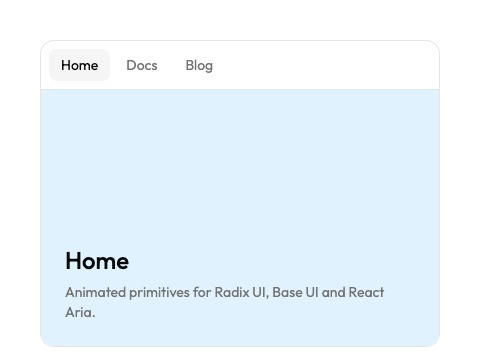
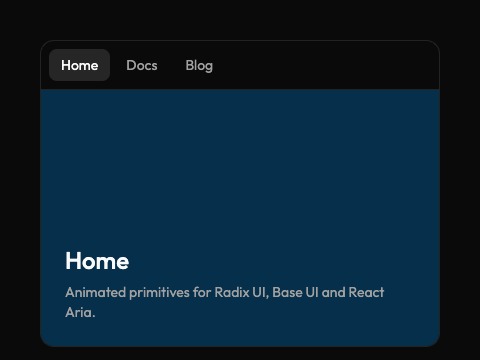
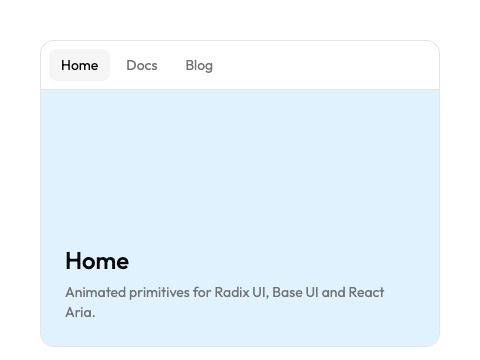
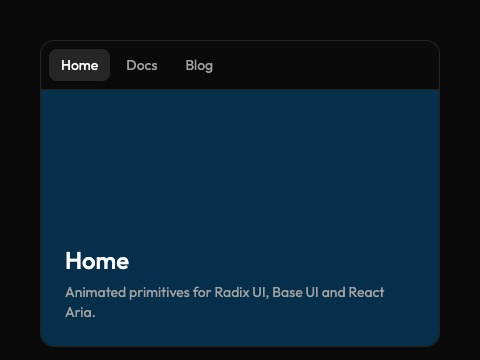
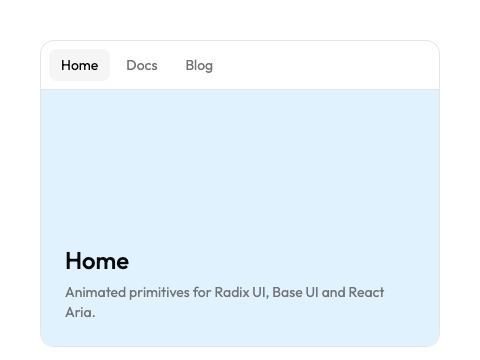
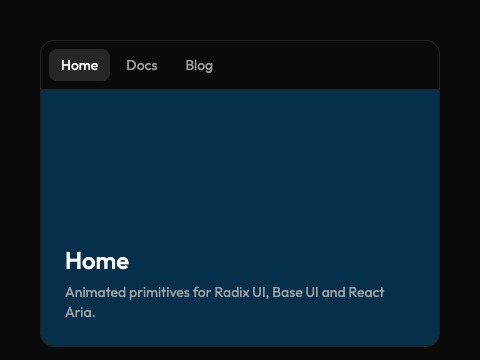
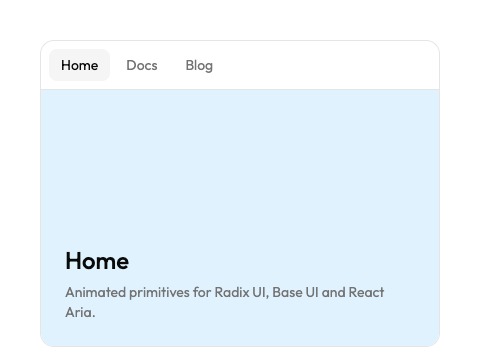
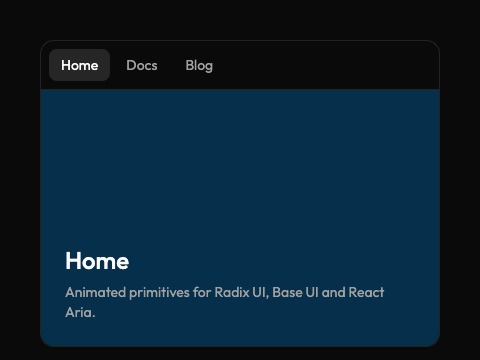
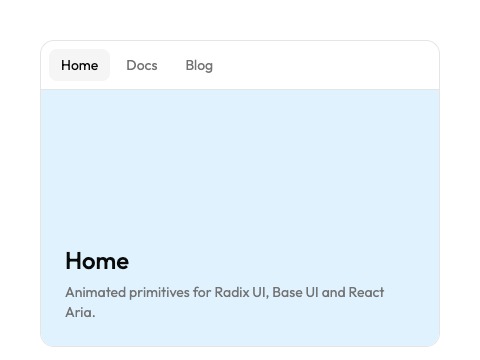
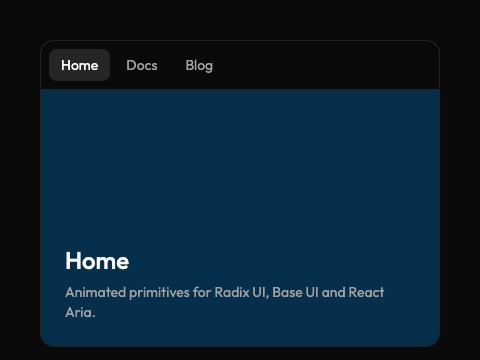
Home

Animated primitives for Radix UI, Base UI and React Aria.

"use client"

import * as React from "react"

import {
  PageTransition,
  PageTransitionShared,
  type PageTransitionEffect,
} from "@/components/animate-ui/components/page-transition"

const PAGES = [
  {
    title: "Home",
    text: "Animated primitives for Radix UI, Base UI and React Aria.",
    tone: "bg-sky-100 dark:bg-sky-950",
  },
  {
    title: "Docs",
    text: "Swap the import and your shadcn/ui components animate.",
    tone: "bg-amber-100 dark:bg-amber-950",
  },
  {
    title: "Blog",
    text: "Animate UI 2.0 is out, with a CLI and a skill.",
    tone: "bg-emerald-100 dark:bg-emerald-950",
  },
]

const EFFECTS = Object.keys(
  controls.PageTransition.effect.options,
) as PageTransitionEffect[]

export default function PageTransitionDemo({
  effect = "slide",
  shared = true,
  picker = true,
}: {
  effect?: PageTransitionEffect
  shared?: boolean
  picker?: boolean
}) {
  const [page, setPage] = React.useState(0)
  const [chosen, setChosen] = React.useState(effect)
  const [prop, setProp] = React.useState(effect)
  if (effect !== prop) {
    setProp(effect)
    setChosen(effect)
  }

  const go = (next: number) => {
    if (next === page) return
    React.startTransition(() => {
      React.addTransitionType(next > page ? "nav-forward" : "nav-back")
      setPage(next)
    })
  }

  const current = PAGES[page]!

  return (
    <div className="flex w-full max-w-md flex-col gap-3">
      {picker && (
        <div
          role="radiogroup"
          aria-label="Effect"
          className="flex flex-wrap justify-center gap-1"
        >
          {EFFECTS.map((name) => (
            <button
              key={name}
              role="radio"
              aria-checked={chosen === name}
              onClick={() => setChosen(name)}
              className="rounded-md border px-2.5 py-1 font-mono text-xs text-muted-foreground transition-colors hover:text-foreground aria-checked:border-foreground aria-checked:bg-foreground aria-checked:text-background"
            >
              {name}
            </button>
          ))}
        </div>
      )}
      <div className="w-full overflow-hidden rounded-xl border bg-background">
      <nav className="flex gap-1 border-b p-2">
        {PAGES.map((item, index) => (
          <button
            key={item.title}
            onClick={() => go(index)}
            aria-current={index === page ? "page" : undefined}
            className="rounded-md px-3 py-1.5 text-sm text-muted-foreground transition-colors hover:text-foreground aria-[current=page]:bg-accent aria-[current=page]:text-foreground"
          >
            {item.title}
          </button>
        ))}
      </nav>
      <PageTransition
        effect={chosen}
        pageKey={page}
        className={`relative flex h-64 flex-col justify-end gap-1.5 p-6 ${current.tone}`}
      >
        {shared && page < 2 && (
          <PageTransitionShared
            name="page-transition-demo-cover"
            className={
              page === 0
                ? "absolute top-6 right-6 size-16 rounded-xl bg-primary"
                : "absolute inset-x-6 top-6 h-20 rounded-lg bg-primary"
            }
          />
        )}
        <h2 className="text-2xl font-medium">{current.title}</h2>
        <p className="text-sm text-muted-foreground">{current.text}</p>
      </PageTransition>
      </div>
    </div>
  )
}

Effects

fadeA crossfade through a light blur.
slideSlides in 60px and fades, towards where you go.
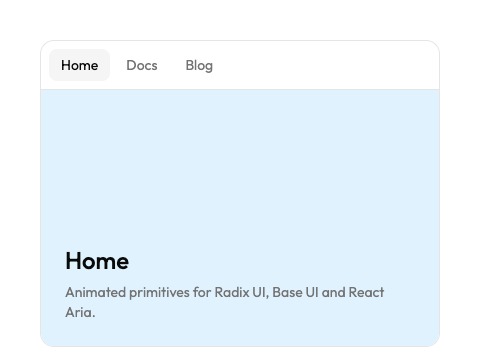
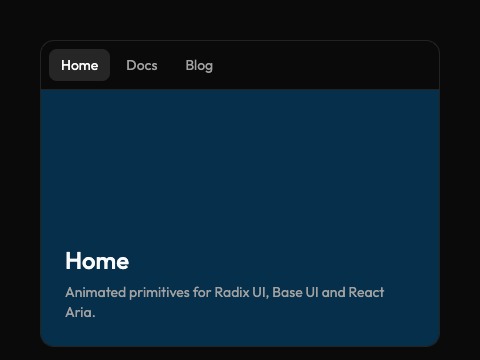
pushThe new page pushes the old one out.
zoomThe old page grows away, the new one settles in.
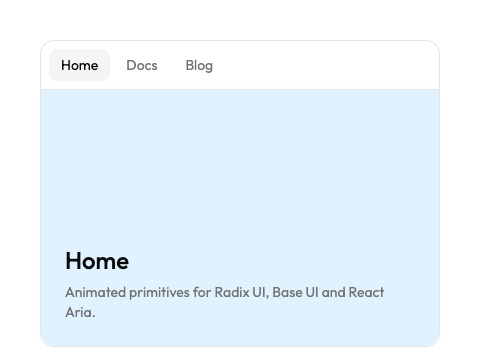
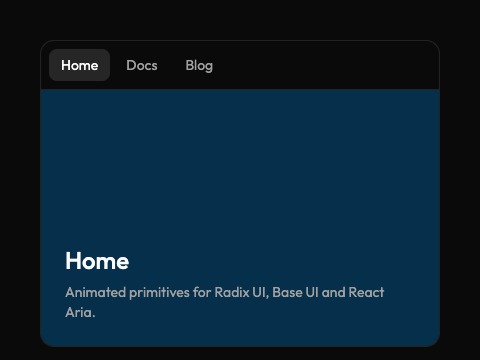
irisOpens as a circle from where you clicked.
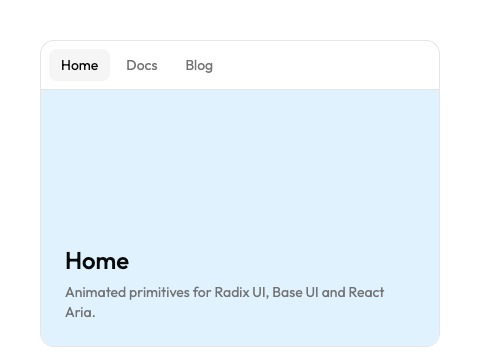
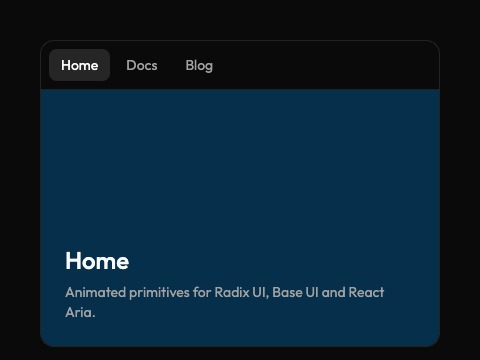
wipeA clean edge reveals the new page.
bandsFive staggered bands reveal the new page.
stackLands on the old page, which sinks back.
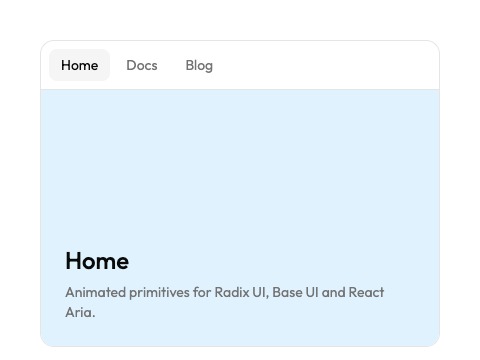
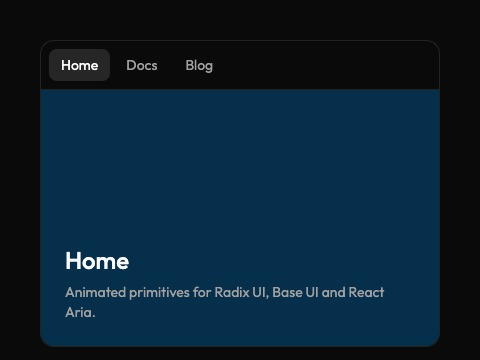
flowA quick slide through a strong motion blur.
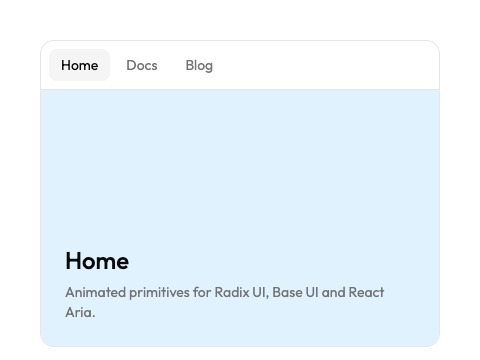
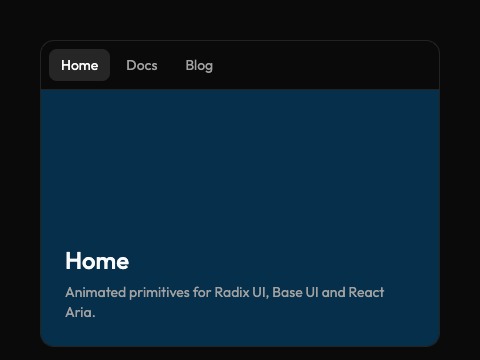
chopA diagonal cut reveals the new page.

random picks another of these effects at each navigation, the same for the page that leaves and the one that arrives.

Installation

npx shadcn@latest add @animate-ui/components-page-transition
pnpm dlx shadcn@latest add @animate-ui/components-page-transition
yarn dlx shadcn@latest add @animate-ui/components-page-transition
bun x shadcn@latest add @animate-ui/components-page-transition
npx shadcn@latest add @animate-ui/components-page-transition-react-router
pnpm dlx shadcn@latest add @animate-ui/components-page-transition-react-router
yarn dlx shadcn@latest add @animate-ui/components-page-transition-react-router
bun x shadcn@latest add @animate-ui/components-page-transition-react-router
npx shadcn@latest add @animate-ui/components-page-transition-tanstack-router
pnpm dlx shadcn@latest add @animate-ui/components-page-transition-tanstack-router
yarn dlx shadcn@latest add @animate-ui/components-page-transition-tanstack-router
bun x shadcn@latest add @animate-ui/components-page-transition-tanstack-router

It needs React 19.3 or later, and plays in browsers with view transitions (Chromium 125+, recent Safari and Firefox). Elsewhere, pages change without animation.

Usage

Wrap the content that changes from one page to the next, in the layout, so the header and navigation around it stay still:

app/layout.tsx
import { PageTransition } from '@/components/animate-ui/components/page-transition';

export default function RootLayout({
  children,
}: {
  children: React.ReactNode;
}) {
  return (
    <html lang="en">
      <body>
        <Header />
        <PageTransition effect="slide">{children}</PageTransition>
      </body>
    </html>
  );
}

Links play forward by default. Mark the ones that go back with transitionTypes:

<Link href="/" transitionTypes={['nav-back']}>
  Back to the gallery
</Link>
app/root.tsx
import { Outlet } from 'react-router';
import { PageTransition } from '@/components/animate-ui/components/page-transition';

export default function Layout() {
  return (
    <>
      <Header />
      <PageTransition effect="slide">
        <Outlet />
      </PageTransition>
    </>
  );
}

Links play forward. To go back, navigate inside a transition tagged nav-back:

const navigate = useNavigate();

startTransition(() => {
  addTransitionType('nav-back');
  navigate('/');
});

Turn on view transitions in the router:

src/router.tsx
const router = createRouter({ routeTree, defaultViewTransition: true });
src/routes/__root.tsx
import { Outlet } from '@tanstack/react-router';
import { PageTransition } from '@/components/animate-ui/components/page-transition';

export const Route = createRootRoute({
  component: () => (
    <>
      <Header />
      <PageTransition effect="slide">
        <Outlet />
      </PageTransition>
    </>
  ),
});

Links play forward. Mark the ones that go back:

<Link to="/" viewTransition={{ types: ['nav-back'] }}>
  Back to the gallery
</Link>

One effect per navigation

A transition type named after an effect plays it for that navigation, whatever effect says. Tabs that switch between views of the same page can push sideways while the rest of the site stacks:

<Link href="/pricing/yearly" transitionTypes={['push', 'nav-forward']}>
  Yearly
</Link>

With TanStack Router, pass them in viewTransition={{ types: ['push', 'nav-forward'] }}; with React Router, call addTransitionType('push') in the transition.

Shared elements

An element on both pages, like a card that becomes a page header, morphs from one to the other with PageTransitionShared. Give it the same name on both pages, unique on each page:

<PageTransitionShared
  name={`cover-${post.id}`}
  className="h-20 rounded-lg bg-primary"
/>

Animation

  • Each page is a snapshot the browser animates: the old page plays its exit and the new one its entrance, on Animate UI's curves (ease.out to arrive, a quicker ease.leave to go). Both stay inside the page's box.
  • Direction comes from the nav-back and nav-forward transition types: a navigation without one plays forward.
  • View transitions aren't interruptible: a click during one waits for it to end, so the effects stay short (0.3s to 0.7s).
  • The browser's back button doesn't animate with Next.js and React Router (React renders history navigations at once). TanStack Router animates it, forward.
  • Under reduced motion, every effect becomes the crossfade, blur included.

API Reference

PageTransition

PropTypeDefault
effect?
'fade' | 'slide' | 'push' | 'zoom' | 'iris' | 'wipe' | 'bands' | 'stack' | 'flow' | 'chop' | 'random''fade'
pageKey?
React.Keythe pathname

PageTransitionShared

PropTypeDefault
name
string-

Built by Skyleen. The source code is available on GitHub.

Last updated: 10/19/2026